Quick-start checklist
The steps to get an election or poll from empty to live.
Work through this list before you share the voting link.
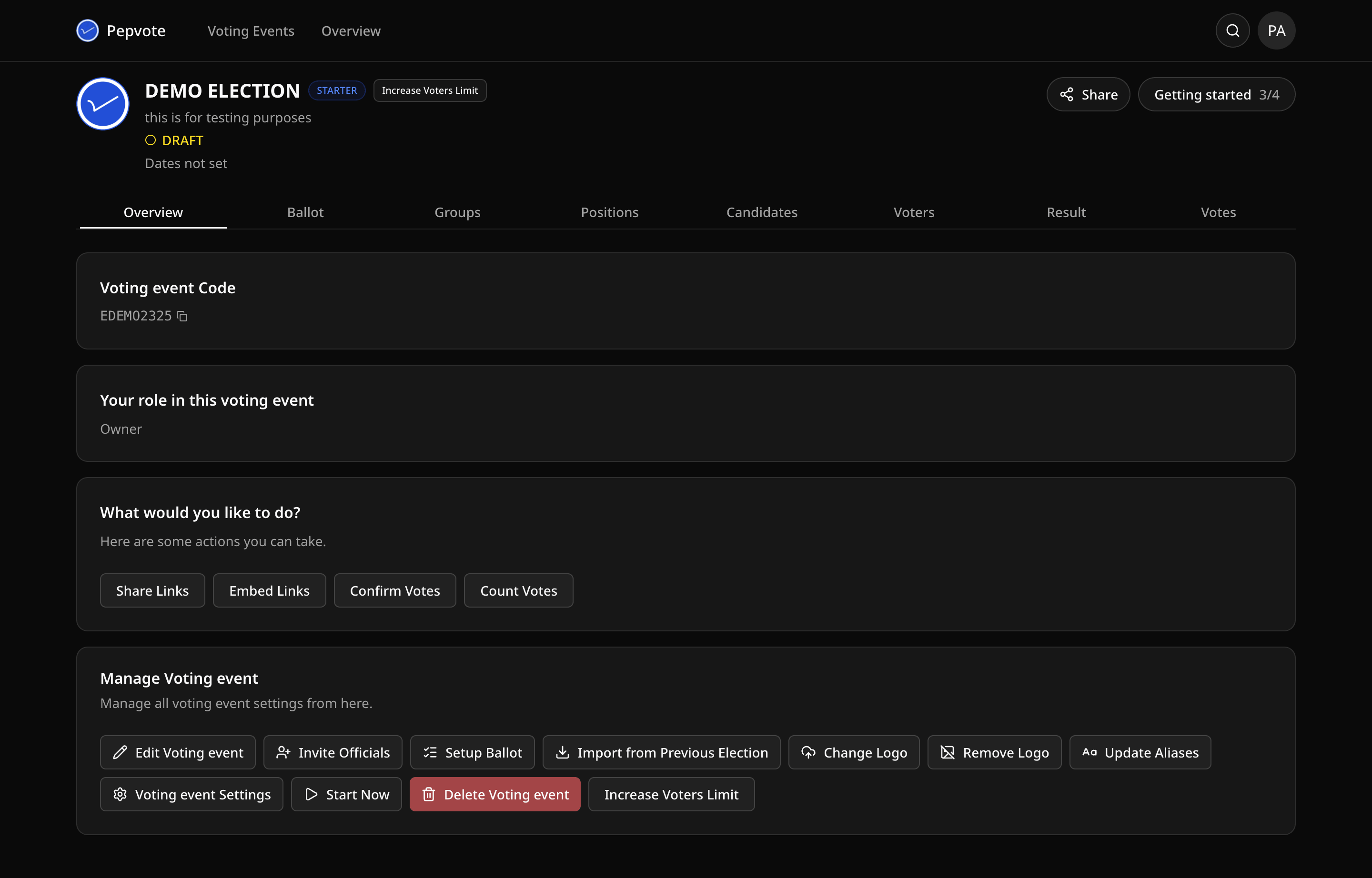
Set up
- Create the event and pick Election or Poll. You cannot change the type later.
- Give it a clear title and, if voters need context, a description.
- Set start and end times, or leave it as a draft while you build.
- Turn on Group Mode first if you need departments, categories, or wards.
Build the ballot
- Add positions and pick a voting method for each.
- Add candidates and assign each to a position. Approve the ones who should appear.
- For an election, add and approve your voters. You can import a spreadsheet.
- Add sponsors if you have any.
Check the settings
- Public registration, if you want candidates or voters to sign up themselves.
- Ballot look and feel: shuffle, step-by-step, format.
- Result visibility: live, published after the end, or both.
- Clear Send Emails To unless you are still testing.
Before you go live
- Invite officials who will help run the event.
- Open every link in Share Links in a private window and try them as a participant would.
- Send participants the voting link and instructions.
After voting ends
- Review the result and download the PDF.
- Export your data if your plan allows it.
Related help
Was this helpful?
Last updated October 16, 2026