Group Mode
Organize positions, candidates, and voters by department, party, ward, or any category.
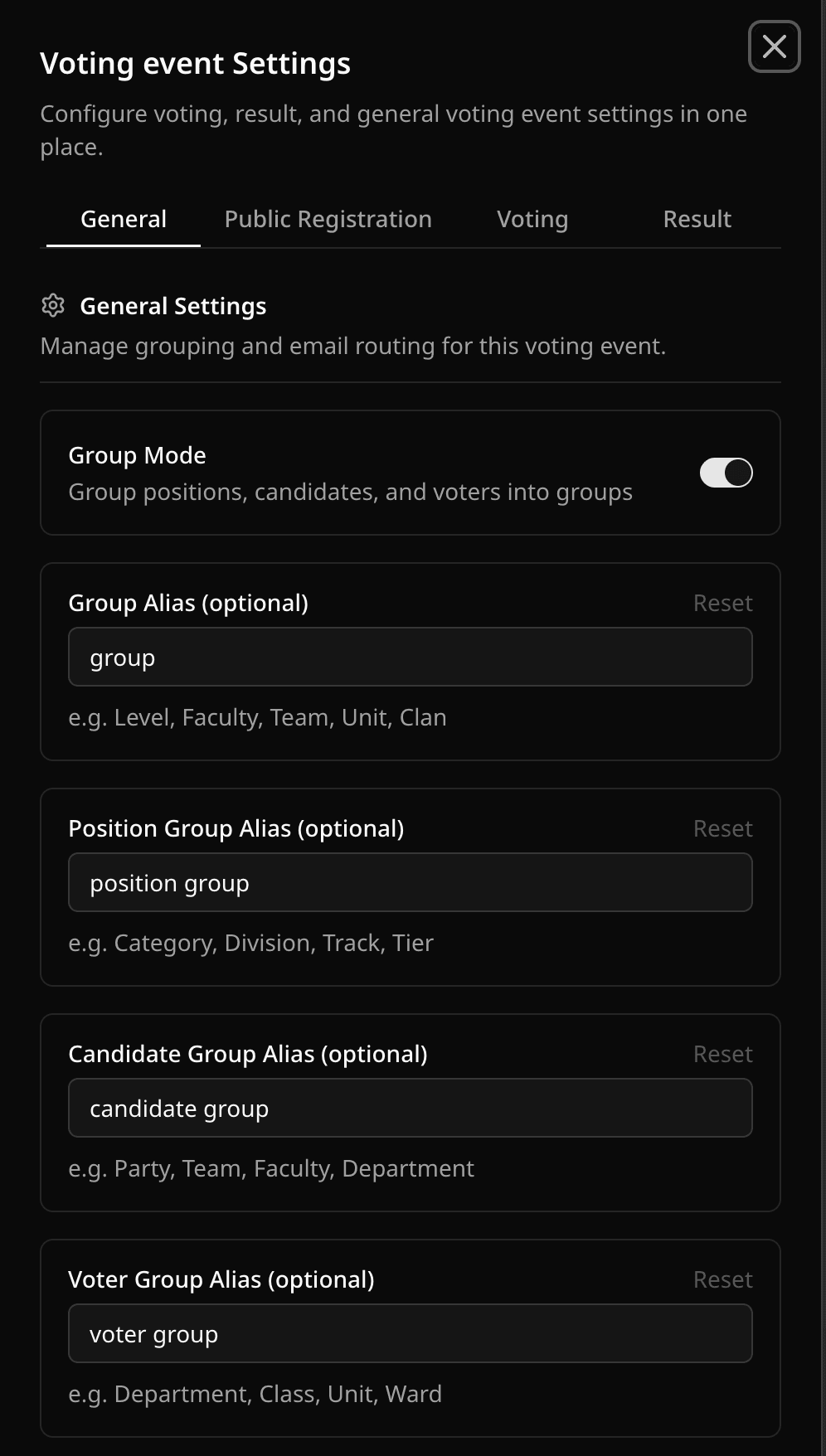
Turn on Group Mode in Voting Event Settings → General (or from Setup Ballot). A Groups tab appears in the event dashboard.
- In Groups, add each group and say what it is for: positions, candidates, voters, candidates and voters, or any. Choose candidates and voters for groups such as schools or departments that candidates and voters share but positions do not use.
- Assign records to groups from their tabs or in a spreadsheet import.
- Rename "Group" to Faculty, Party, Ward, or whatever you use, in Update Aliases.
Grouped positions show as sections on the ballot, and candidate cards show their group.
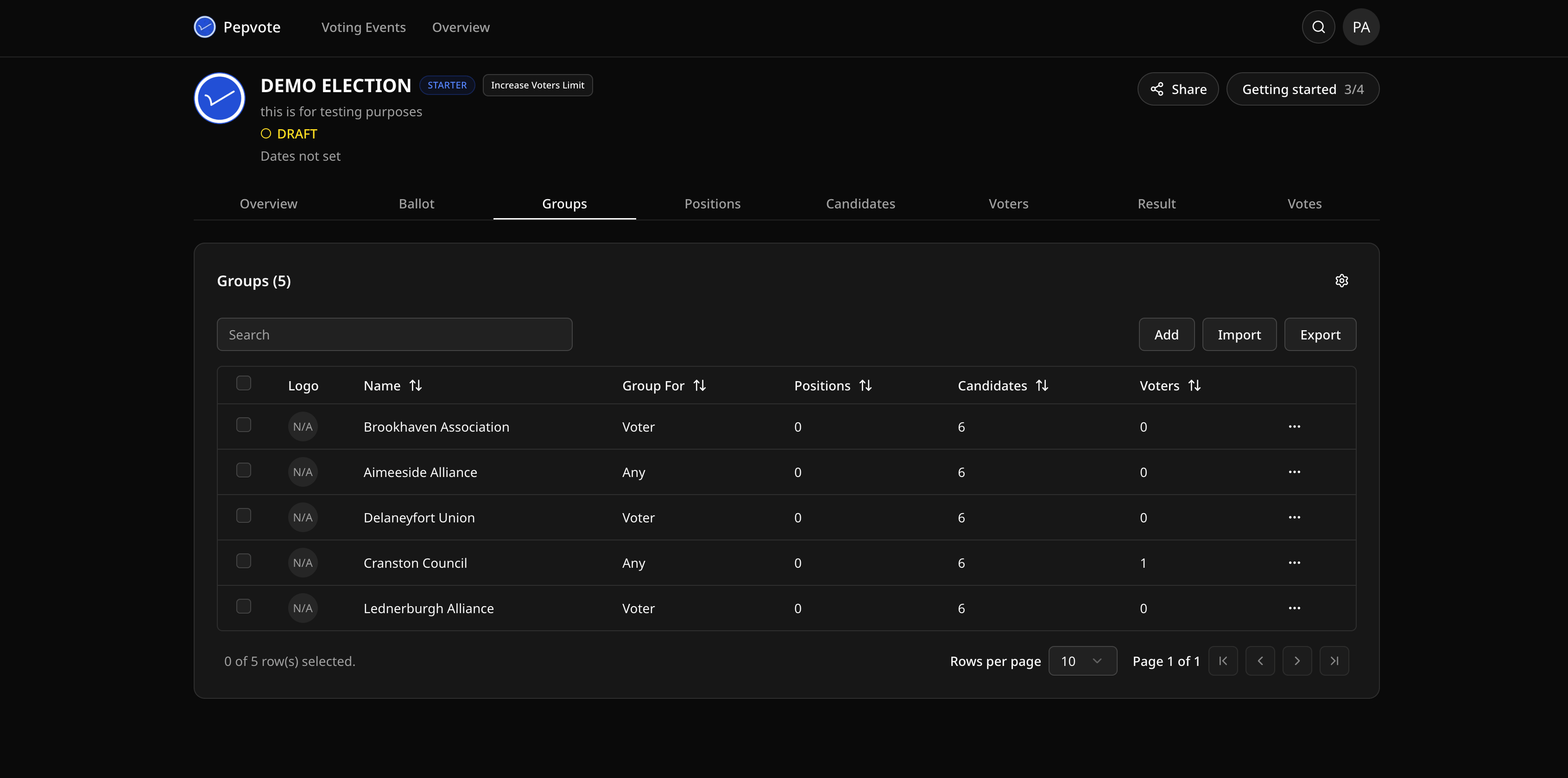
Turn Group Mode on before you import or assign anything. If the Groups tab does not appear, save the setting and refresh.
Related help
Was this helpful?
Last updated October 16, 2026