Create a voting event
Create an election or poll and set its schedule.
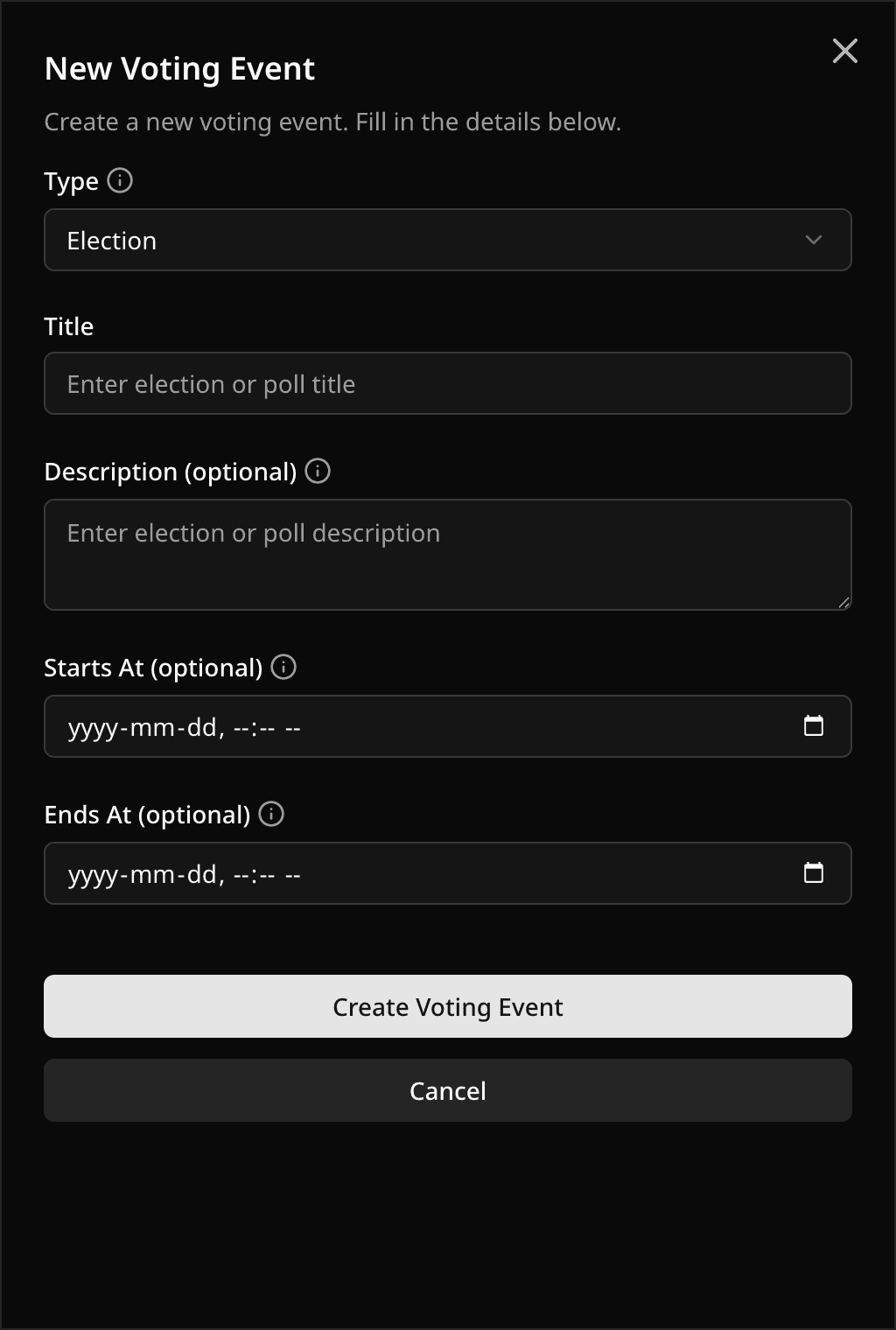
In Dashboard → Voting Events, select New Voting Event.
- Choose Election (you know the voters) or Poll (anyone with the link). You cannot change this later. See Voting event types.
- Enter a title. Add a description if voters need context.
- Set Starts At and Ends At, or leave them empty to keep the event as a draft.
- Select Create Voting Event.
Pepvote gives the event a code and opens its dashboard. Prefer a head start? Create from a guided template instead.
Scheduling
- A start time must be in the future, and the end time must come after it.
- No start time means the event stays in Draft. A future start time makes it Upcoming. Voting opens automatically at the start time.
- You can also start or end an event early from the dashboard. See Voting event actions.
Before an election can start
It needs at least 1 position and 2 candidates, and at least 1 approved voter. Pepvote will not open voting without them.
Related help
Was this helpful?
Last updated October 16, 2026