Download a result PDF
Get a PDF report of the result to share or file.
Open the event's Result page and select Download PDF in the Stats section. You need a role that can see results. The file is named after the event, ending in - Result.pdf.
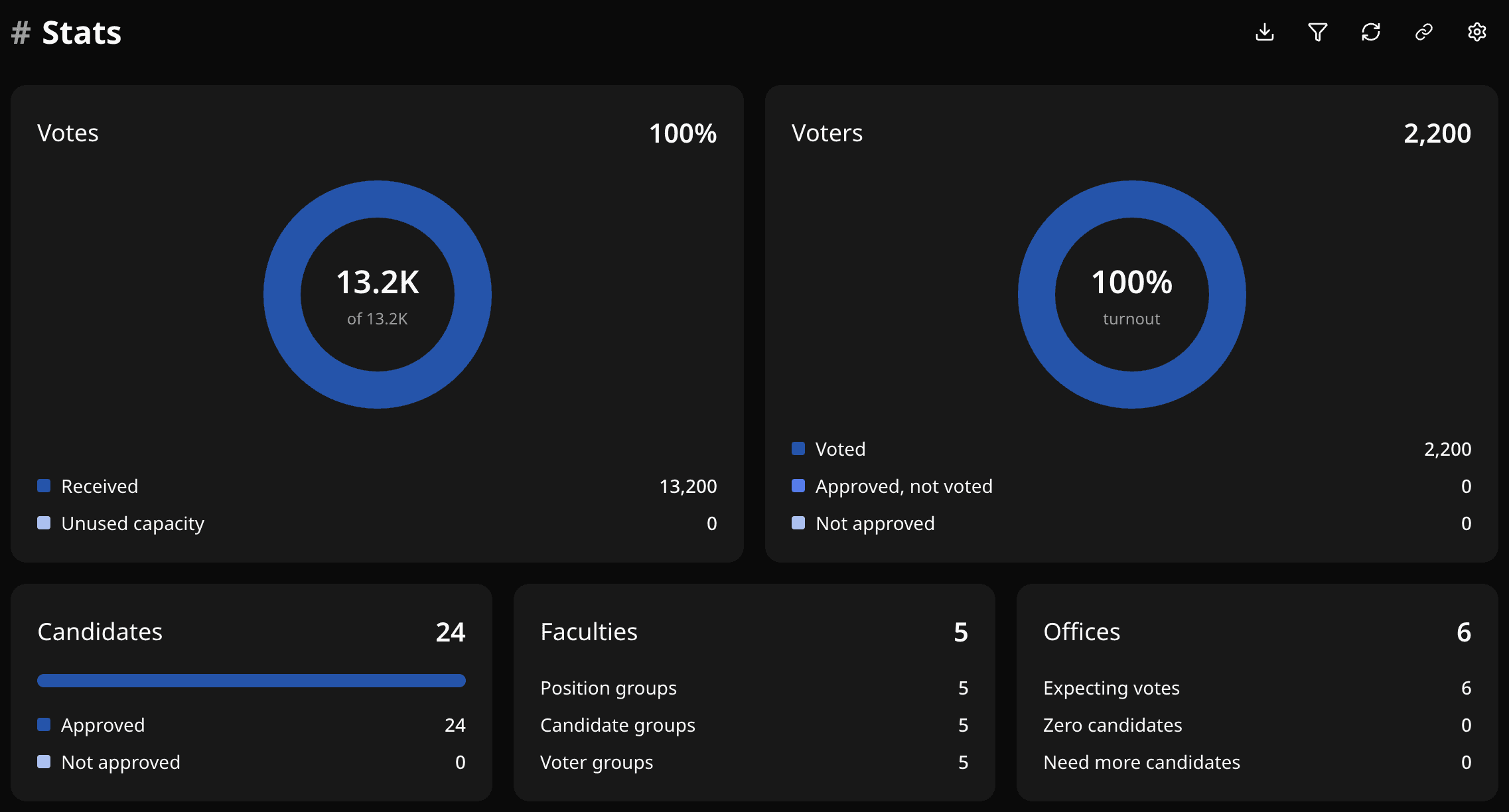
The PDF matches what the Result page shows: the statistics and each position's top candidates (default 3, or the Show Top Candidates value). It is a report, not a full export. For every candidate and vote, use CSV exports.
On a Custom plan, apply a date range with Filter Result first and the PDF uses the same range.
Download fails?
- Sign in again if asked.
- If a ranked position is still calculating, wait and try again.
- If the date range is invalid, clear it.
- Do not share the PDF URL as a public link. It needs a signed-in user. Share the public result link instead.
Related help
Was this helpful?
Last updated October 16, 2026