Export your personal data
Download a copy of the data linked to your account.
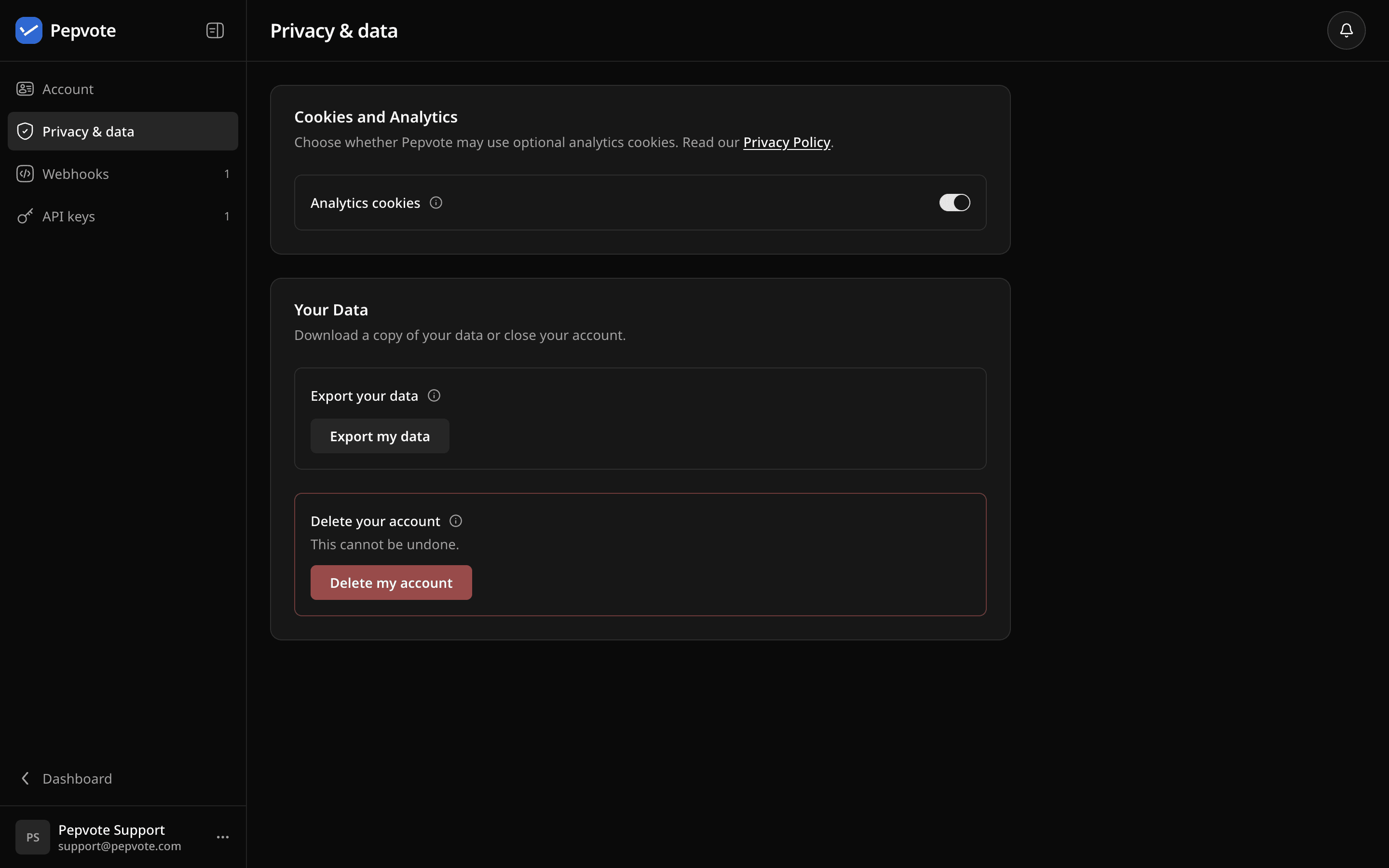
Go to Dashboard → Profile → Privacy & data and select Export my data. Keep the tab open until the download starts. You get a ZIP named pepvote-data-export-<date>.zip with one JSON file inside.
What is inside
Your profile, summaries of the events you created, invites, plan purchases, analytics choice, and payment-business records. Long lists may be marked truncated: true, which means only the first part is included.
What is not inside
Full event data: positions, candidates, voters, votes, and result PDFs. Export those from each event first. See Import and export data and Download a result PDF.
Download did not start?
Check whether your browser blocked it, allow downloads for Pepvote, and try again.
Related help
Was this helpful?
Last updated October 16, 2026