Manage analytics consent
Turn optional analytics cookies on or off.
Analytics cookies help Pepvote see how the product is used. They are optional and separate from the cookies needed to sign in.
Go to Dashboard → Profile → Privacy & data and switch Analytics cookies on or off. Turning them off stops tracking and clears analytics identifiers in that browser. The choice is saved to your account, so it applies on every device you sign in on.
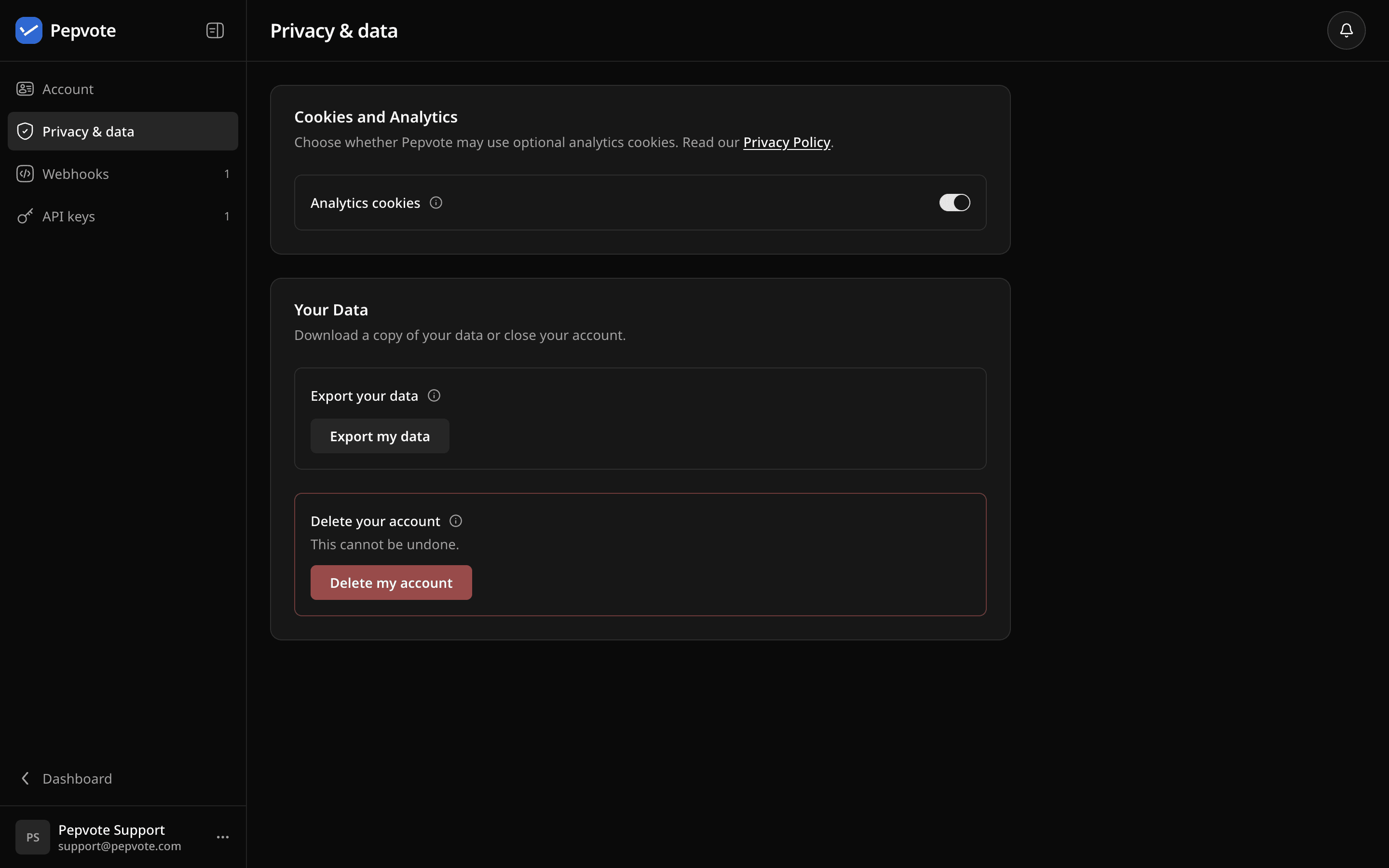
If the cookie banner comes back after you cleared browser storage, sign in and Pepvote restores your saved choice.
See the Privacy Policy for how Pepvote uses analytics.
Related help
Was this helpful?
Last updated October 16, 2026