Delete your account safely
What deletion removes and how to close your account for good.
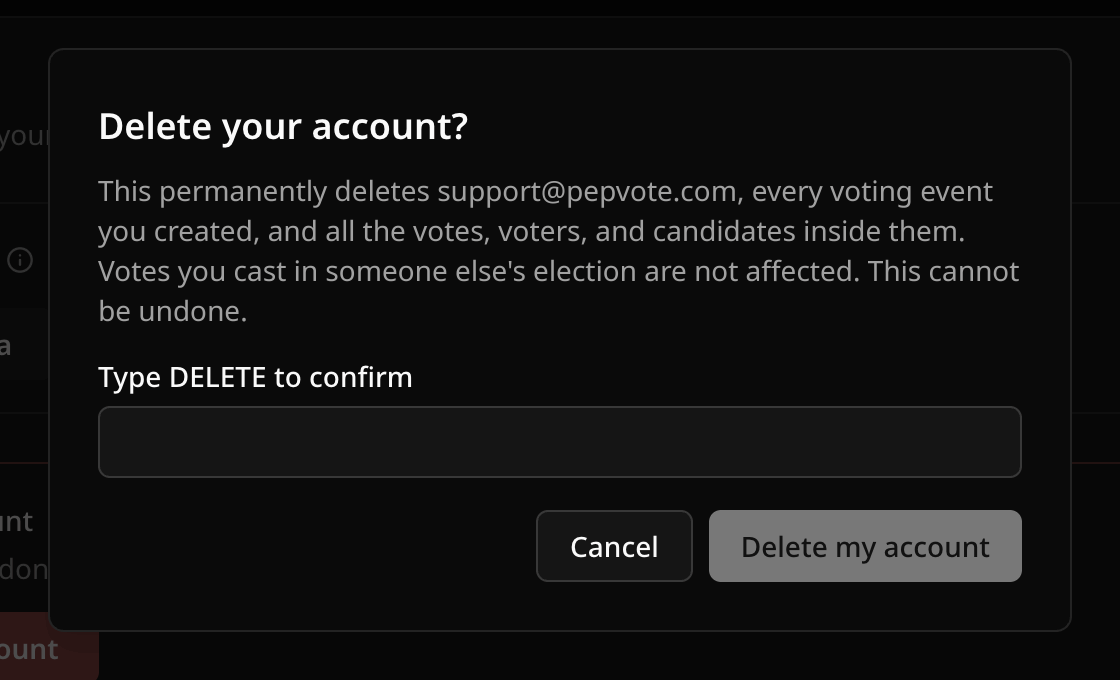
Deleting your account is permanent. There is no undo.
What gets deleted
Your profile and every event you created, including its votes, voters, candidates, and results.
Votes you cast in someone else's election stay in that election.
Before you delete
- Export your personal data.
- From each event, export the positions, candidates, voters, and votes you want to keep, and download the result PDF. The account export does not include these.
Only want to stop analytics? Turn them off instead.
Delete the account
Go to Dashboard → Profile → Privacy & data, select Delete my account, type DELETE, and confirm. Pepvote signs you out and starts the deletion.
If you see an error, do not keep retrying. Contact support with the time it happened.
Related help
Was this helpful?
Last updated October 16, 2026