Manage your profile and password
Update your name, password, email address, or phone number.
Everything on this page is in Dashboard → Profile → Account.
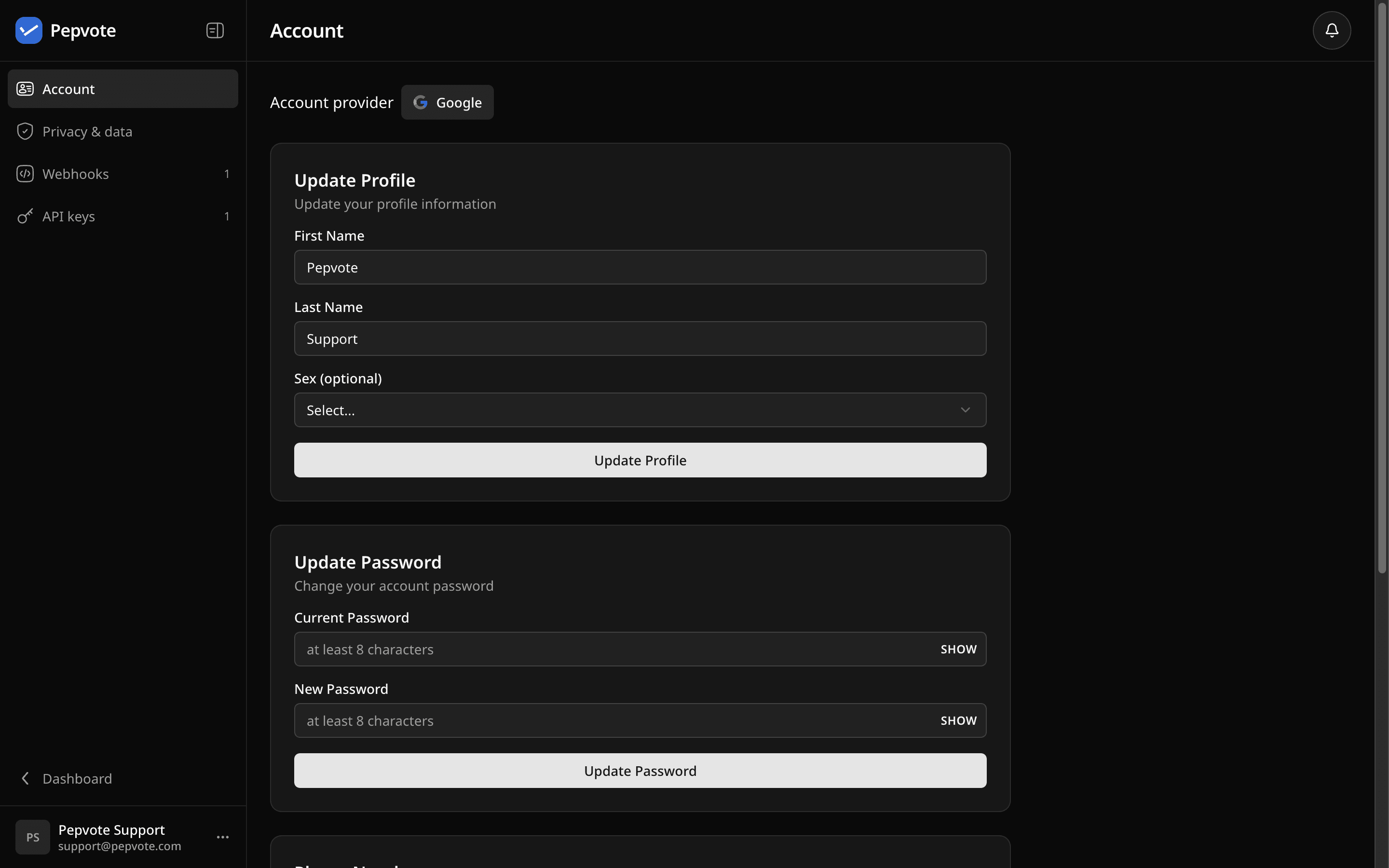
Update your name
In Update Profile, change your first name, last name, or the optional sex field, then select Update Profile.
Change your password
In Update Password, enter your current password and a new one of at least 8 characters. Forgot the current one? Use Reset your password.
Change your email
In Change Email, enter the new address and select Send Verification Email. Your email changes only after you open the verification link sent to the new address. Check spam in the new inbox if it does not arrive.
Add or verify a phone number
A phone number is optional. In Phone Number, enter the number in international format, agree to receive the verification SMS, and select Send Verification Code. Enter the 6-digit code within 5 minutes. Wait for the countdown before asking for another code.
Signed in with Google?
Password and email controls are hidden. Manage both in your Google account.
Related help
Last updated October 16, 2026