Entity aliases
Rename Position, Candidate, Voter, and other labels to match your organization.
Call a Position an "Office", a Candidate a "Nominee", or a Voter ID a "Membership number". Aliases change the words on the dashboard and on every public page for that one event. They do not change how anything works.
Open the event, select Update Aliases, enter your labels, and save. You can rename Voting Event, Position, Candidate, Voter, Voter ID, Sponsor (polls), and the group labels when Group Mode is on.
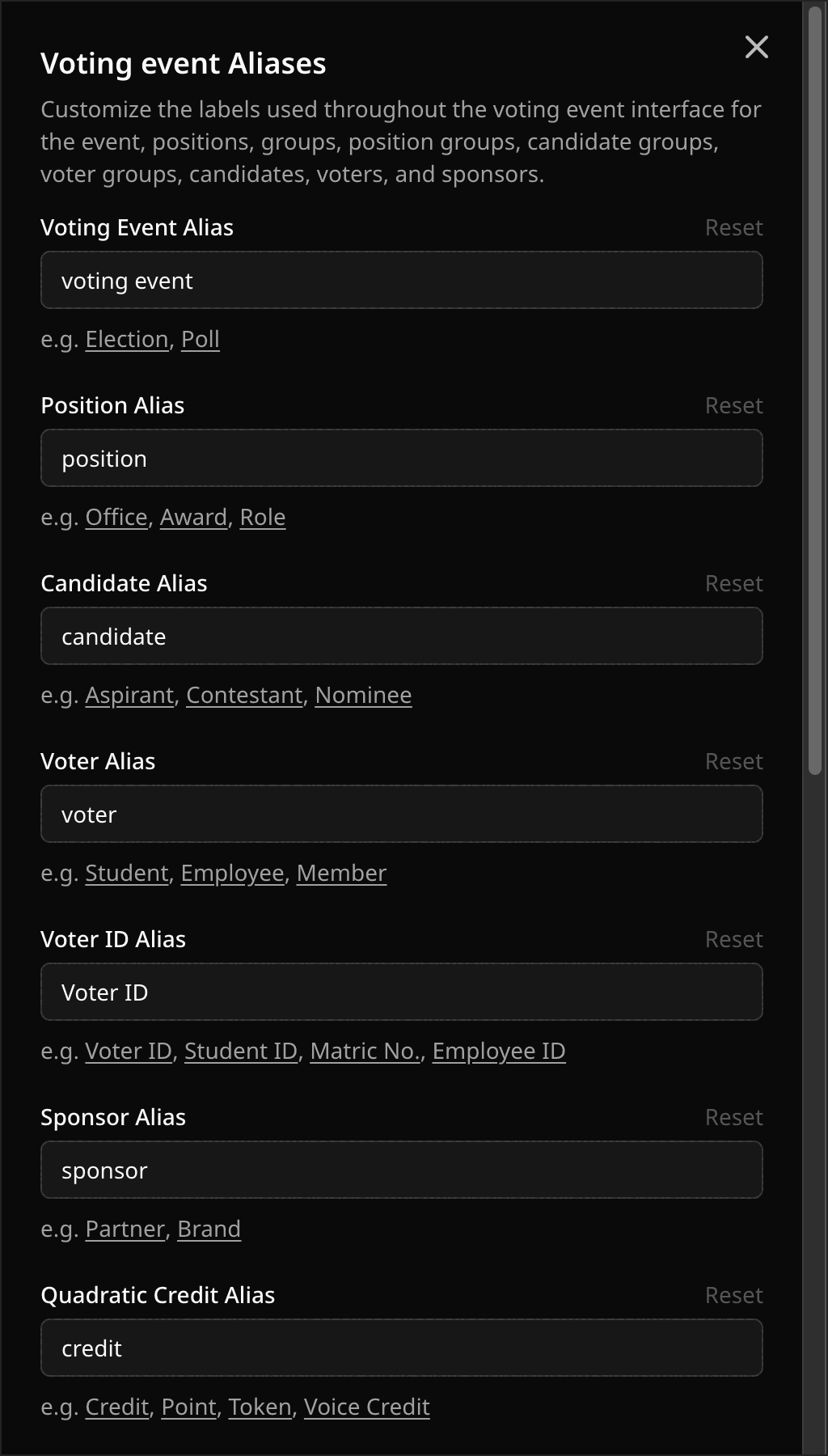
Group aliases do not appear until Group Mode is on. If a new label does not show, refresh the page.
Related help
Was this helpful?
Last updated October 16, 2026