Pay to Vote
Charge voters for a ballot in a poll.
Pay to Vote works in polls on a Starter or Custom plan, with a Ready payment business linked.
Set the price
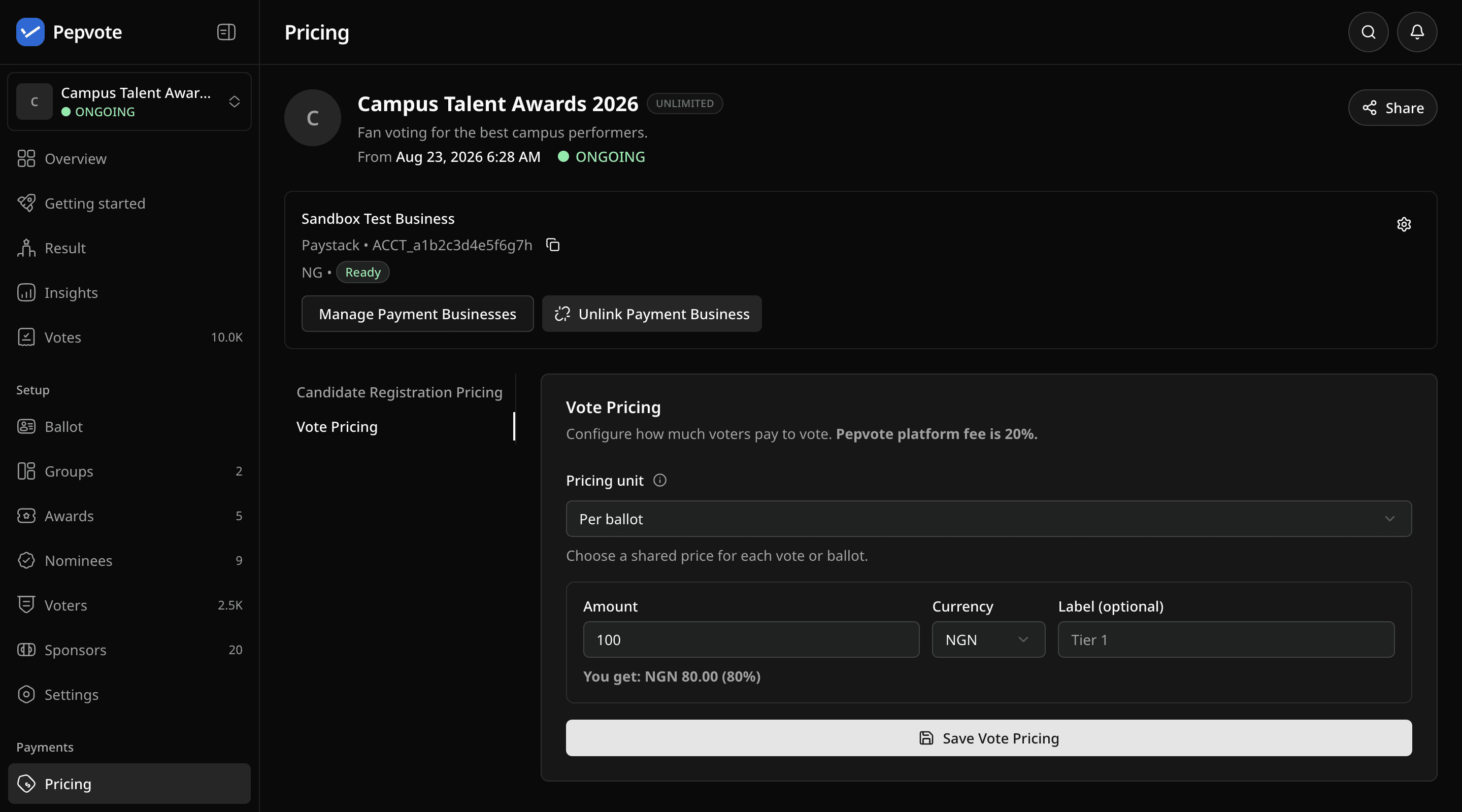
Open the event, go to Pricing, turn on paid voting, and choose how to charge:
| Mode | Voter pays |
|---|---|
| Per ballot | One price for the whole ballot |
| Per vote | Price times the number of votes |
| Per position | Price times the priced positions on the ballot |
Enter the amount in your business currency and save. The page shows a payout preview after the 20% platform fee.
What voters see
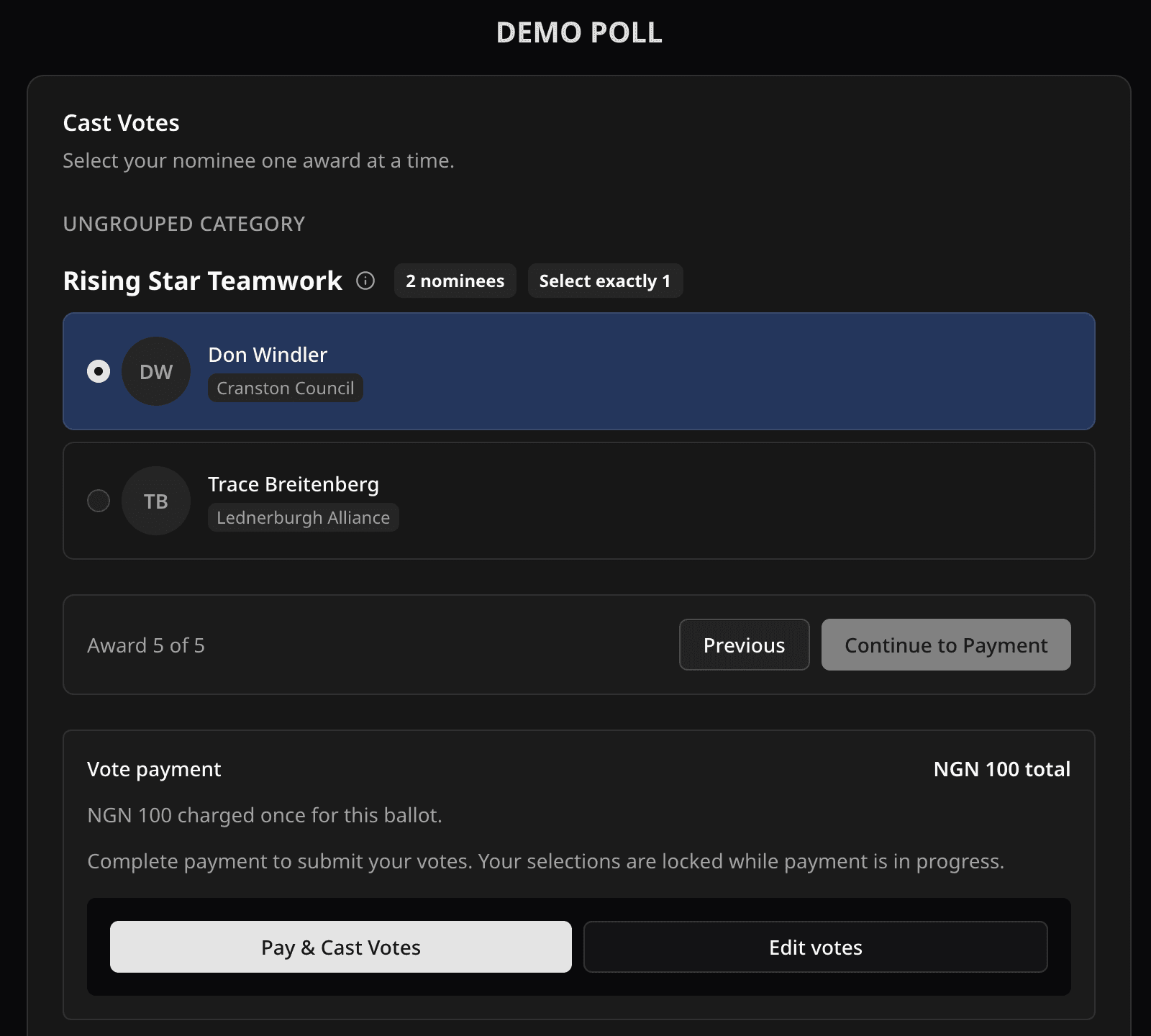
They fill in the ballot as usual, then see the amount and pay. Stripe payments happen inside Pepvote. Paystack opens its own checkout and needs the voter's email. Once the provider confirms, Pepvote records the ballot and shows the confirmation code. Payment does not skip any voting rule: the event must be open and the ballot must be valid.
The Payments page lists each payment with its status, but hides who paid, to keep ballots secret.
Voter cannot pay?
- Paid voting is unavailable: check the plan, the paid voting switch, the linked business is Ready, and a price is saved.
- Price changed mid-checkout: the voter should reload and start again.
- Declined: that is between the voter and their bank. Pepvote cannot override it.
- Paid but no confirmation code: the voter should wait a moment, then vote again with the same email. See Troubleshoot a payment.
Related help
Last updated October 16, 2026