Reset your password
Get a reset link by email and choose a new password.
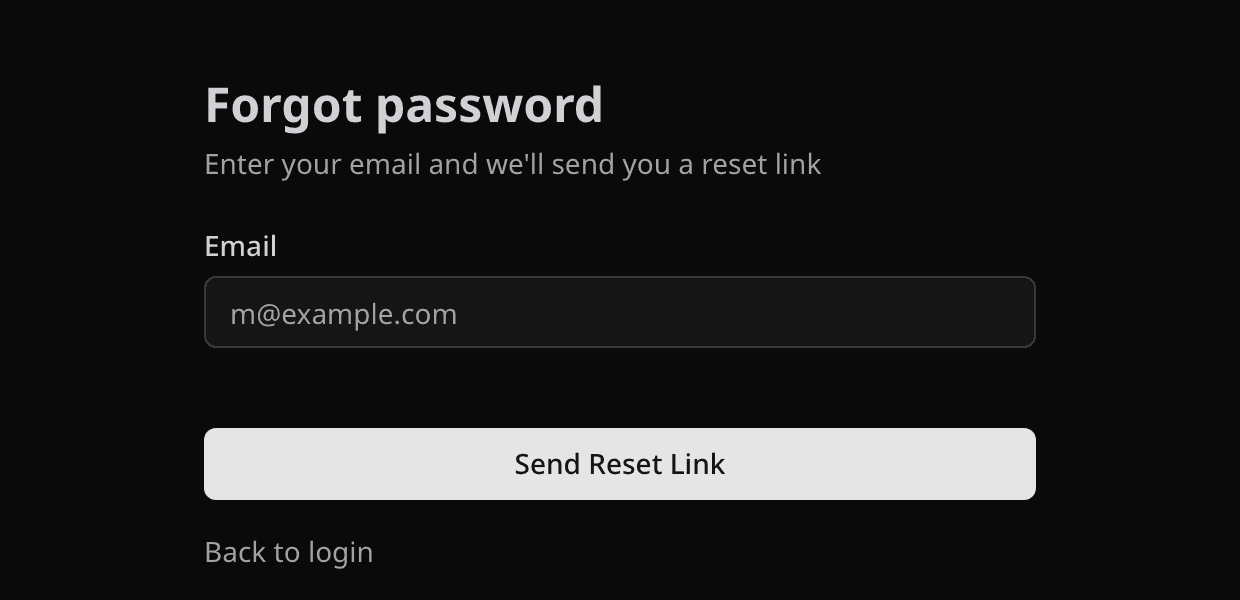
Open Forgot password, enter your account email, and select Send Reset Link. Open the email, follow the link, and choose a new password of at least 8 characters. Then sign in with it.
No email?
- Check spam, junk, and promotions.
- Make sure you typed the email you registered with. Pepvote shows the same confirmation whether or not an account exists.
- If the link says it expired, request a new one and use the newest email.
- If you sign in with Google, there is no Pepvote password. Reset it in Google instead.
Related help
Was this helpful?
Last updated October 16, 2026