Sign in with Google
Use your Google account instead of an email and password.
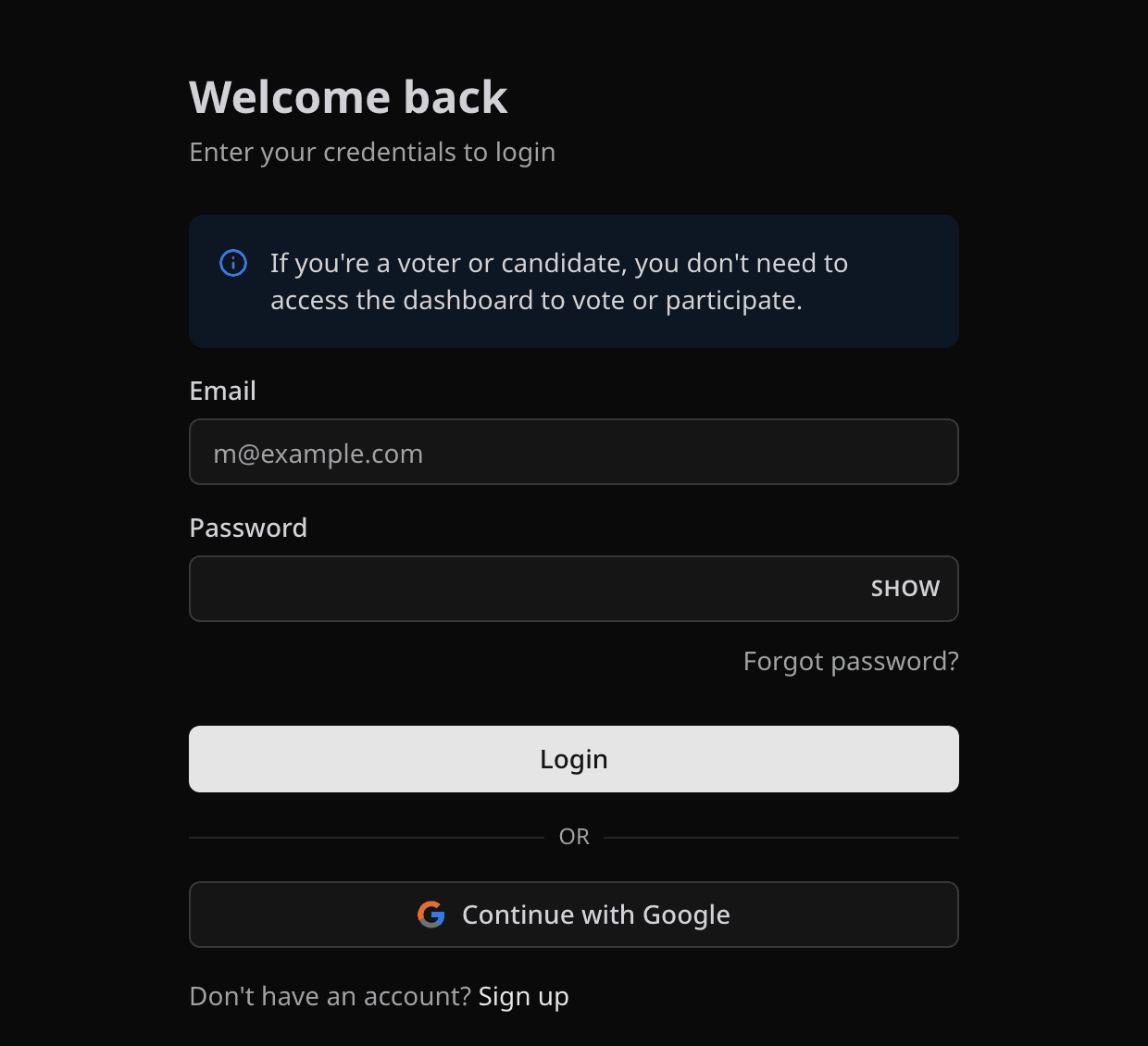
On Login or Create account, select Continue with Google and pick the Google account you want to use. Pepvote opens the dashboard when Google finishes.
Good to know
- If you already have an email-and-password account, sign in with that instead. Google only works if it was connected to that account.
- A Google account has no Pepvote password. To change your password or email, do it in Google.
- If the browser blocks the Google window, allow pop-ups for Pepvote and try again.
Related help
Was this helpful?
Last updated October 16, 2026