Embed voting pages
Put a Pepvote page inside your own website with an iframe.
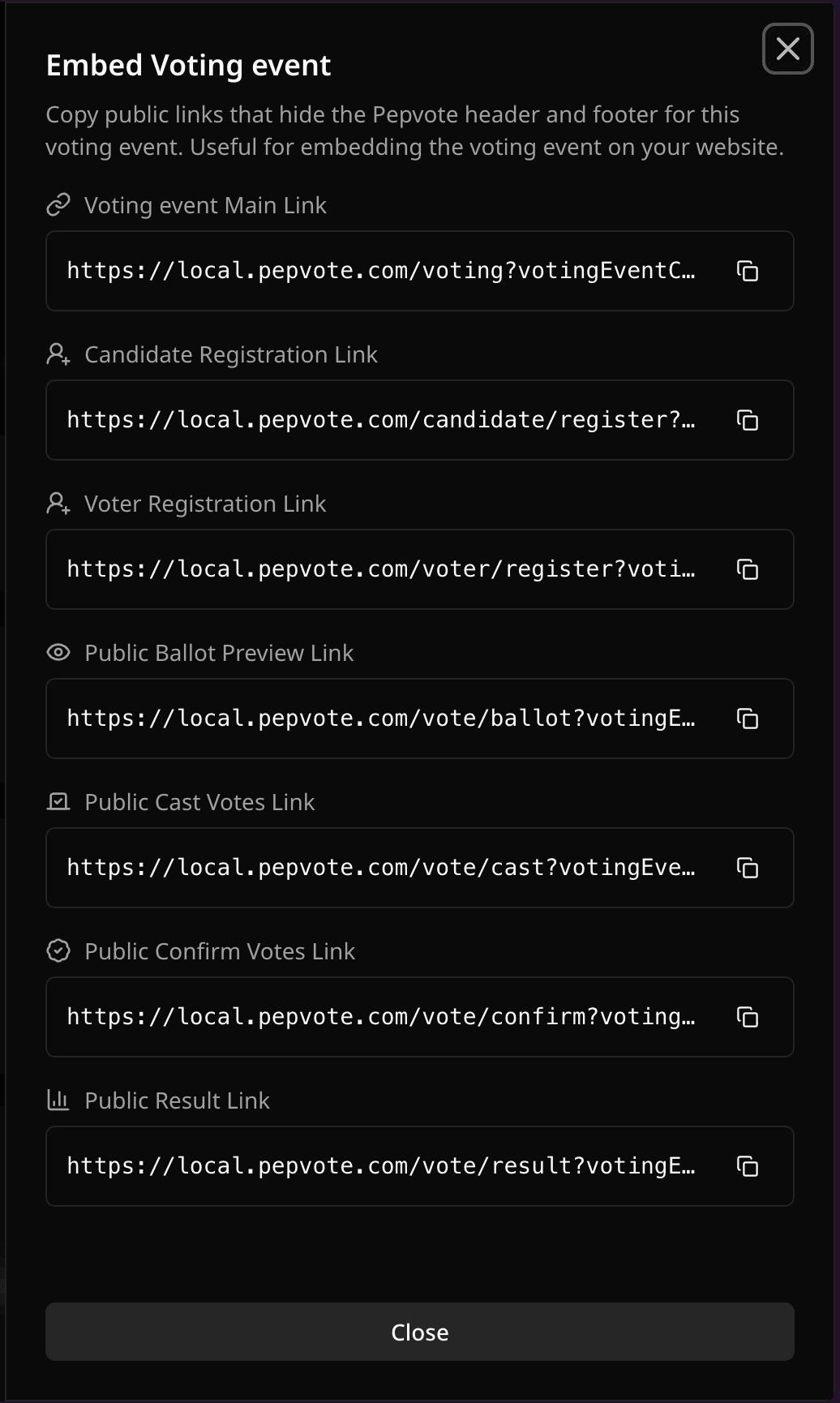
Open the event, select Embed Scripts, copy the iframe for the page you want, and paste it into your site. The code looks like this:
<iframe
  src="https://pepvote.com/vote/cast?votingEventCode=YOUR_CODE"
  title="Pepvote voting event"
  width="100%"
  height="560"
  style="border: 0;"
></iframe>
Use the copied code rather than typing your own, so the URL and event code are right. Registration pages are only offered while registration is open.
On a WordPress site, use the WordPress plugin instead. You only need your event code, and the embed fits its height to the page.
Tips
- Test on desktop and mobile. Raise the height if content is cut off.
- Keep a direct link handy in case a visitor's browser blocks iframes.
- Using a custom domain? Wait until its status is ready before embedding it.

Related help
Was this helpful?
Last updated November 2, 2026