WordPress plugin
Add your voting, registration, or results page to a WordPress site.
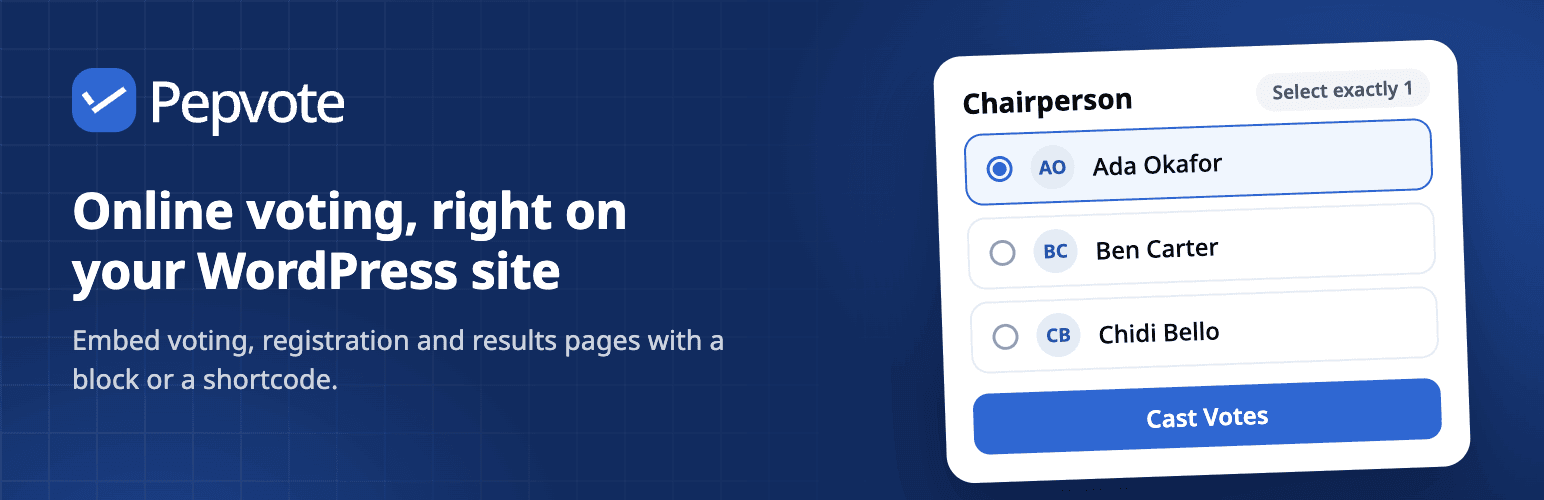
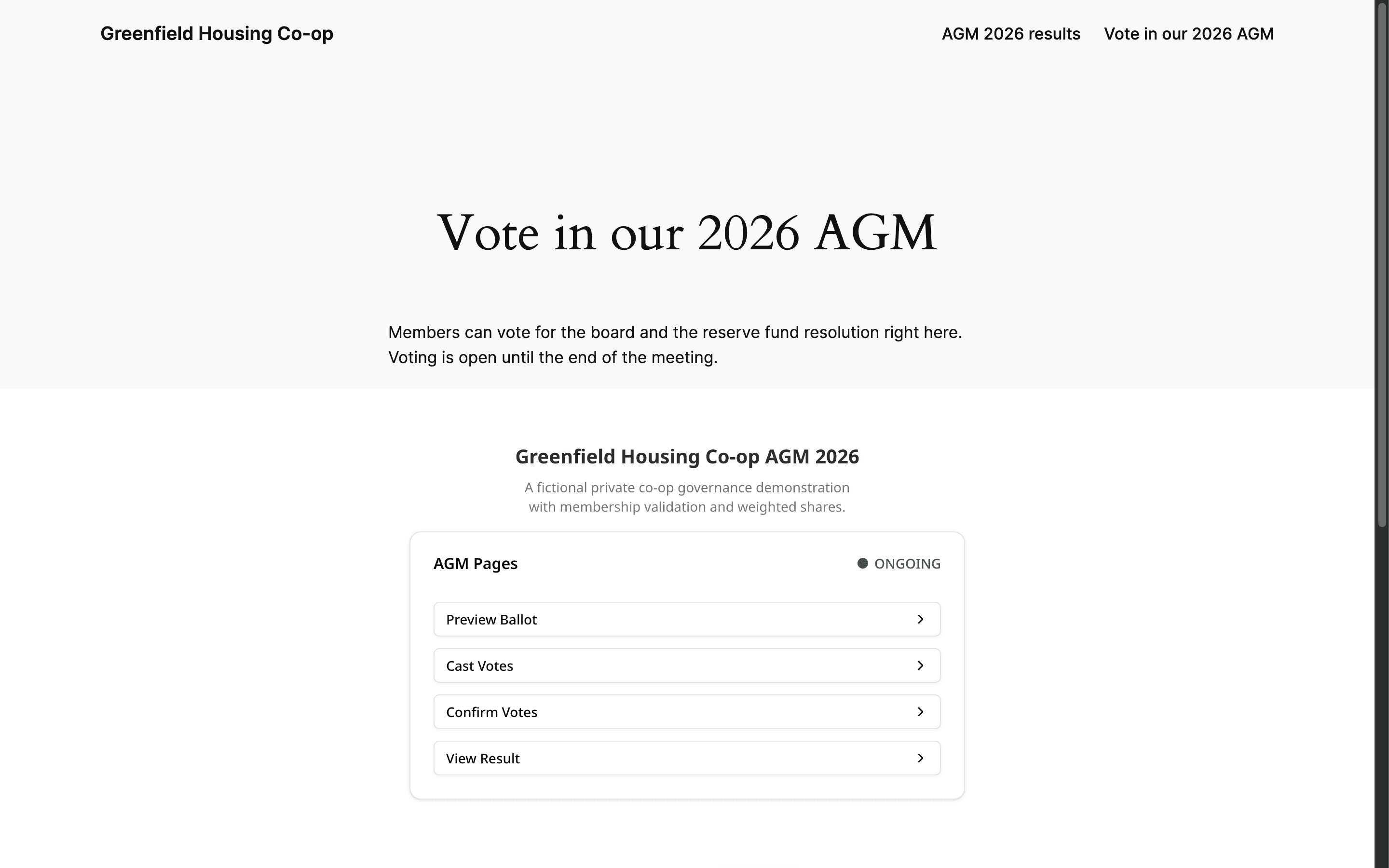
The Pepvote plugin puts any public page of your event on your WordPress site. Add the Pepvote block, or the [pepvote] shortcode in the classic editor, and enter your event code. The embed grows and shrinks with the page, so visitors never see a second scrollbar.
Install the plugin
- In WordPress, go to Plugins → Add Plugin (Add New Plugin in older versions).
- Search for Pepvote, select Install Now, then Activate.
The plugin needs WordPress 6.4 or later.
Add the block
- Edit a page or post and add the Pepvote block.
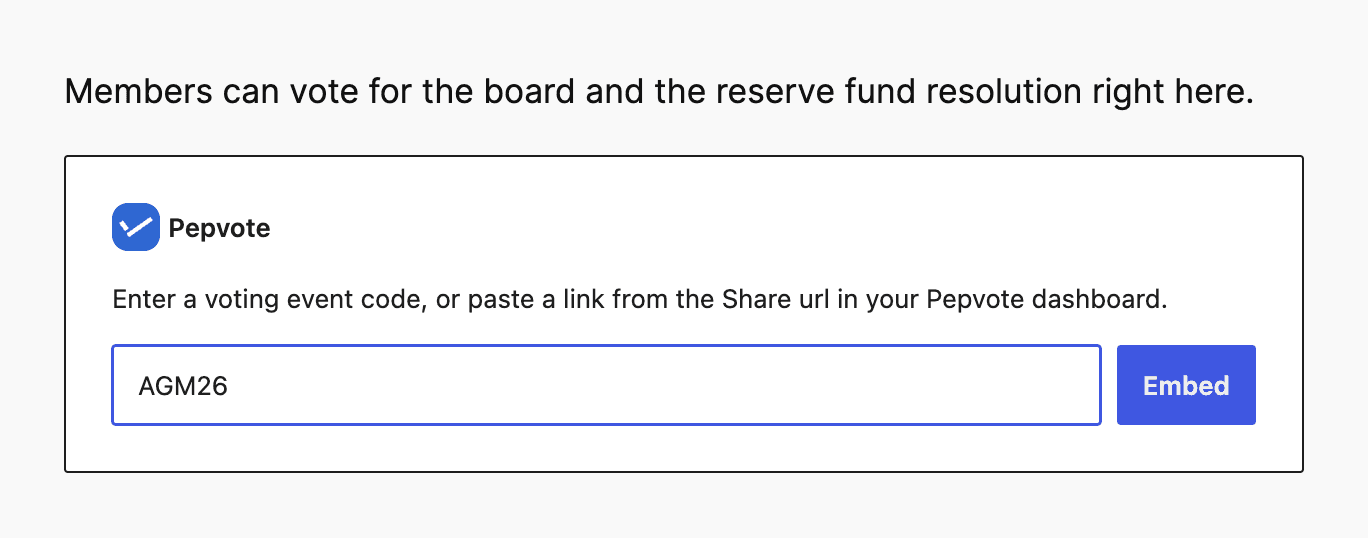
- Enter your event code, or paste a link from the Share sheet in your dashboard. A results link opens the results page.
- Select Embed.
Your event code is on the event's Overview page.
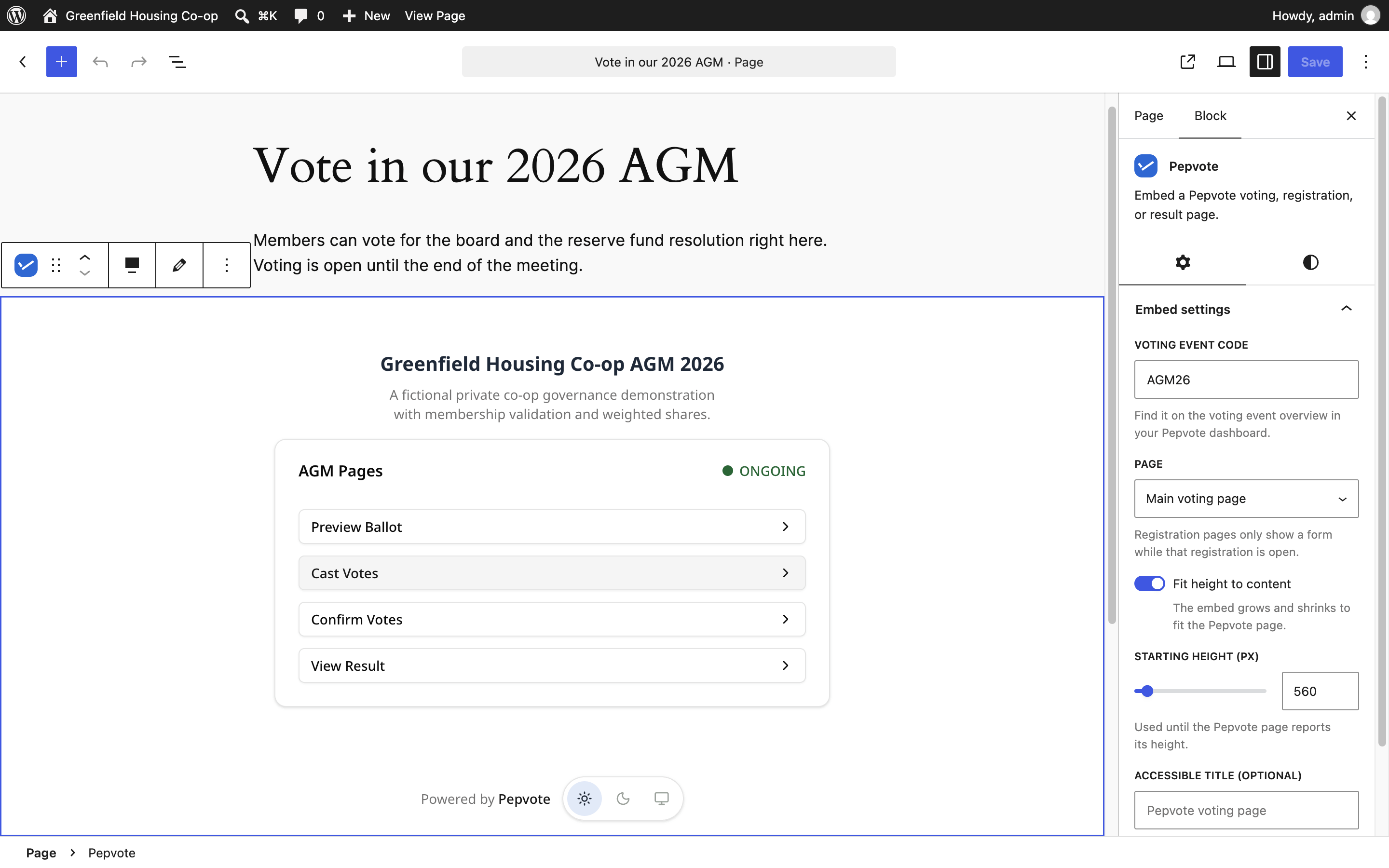
With the block selected, the Embed settings panel lets you change the page, turn Fit height to content off and set a fixed height, or give the embed an accessible title. To fill the screen, choose Full width from the block's alignment menu.
You can also paste a Pepvote link on its own line, or paste a [pepvote] shortcode, and WordPress turns it into a Pepvote block.
Use the shortcode
[pepvote code="YOUR_CODE" page="result"]| Option | Values |
|---|---|
code | Your event code, or a Pepvote link that contains it. Required. |
page | voting (default), candidate-registration, voter-registration, ballot, cast, confirm, or result. |
height | Height in pixels. Default 560. |
auto_height | true (default) fits the page. false keeps the height you set. |
title | The name screen readers announce for the embed. |
Not showing what you expect?
- Nothing appears. Check the event code. If you can edit the page, you see a note where the code is missing; visitors see nothing.
- Registration is closed. Registration pages only show a form while that registration is open.
- No results yet. The results page follows your result visibility settings.
- Dark embed on a light site. The embed follows each visitor's light or dark setting. They can switch it at the bottom of the embed.
Related help
Last updated November 2, 2026