Custom domains
Serve your event's public pages from a domain you own (Custom plan).
Point vote.example.com at one event so participants never see pepvote.com. Available on the Custom plan. One domain per event, and a domain can only be connected to one event.
Connect
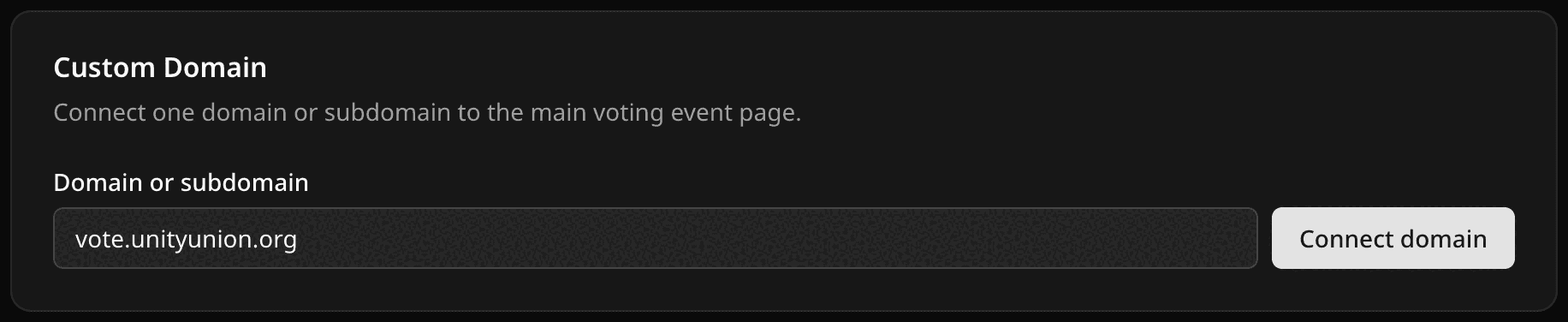
- In Voting Event Settings → Custom domain, enter the domain or subdomain (no
https://, path, or port) and select Connect domain. - Add every DNS record Pepvote shows to your DNS provider. A root domain usually needs an
Arecord, a subdomain aCNAME, plus aTXTrecord to prove ownership. - If your provider proxies DNS (for example Cloudflare's orange cloud), turn that off until the domain is active.
- Back in Pepvote, select Refresh status.
Status goes from Verify domain ownership and route the domain, to Add or update these DNS records, to DNS is configured and valid. Only share the custom-domain link after the last one.
Not activating?
- Compare record type, name, and value with what Pepvote shows, character for character.
- Make sure the
TXTrecord is there too. - DNS changes can take a while to spread. Refresh again later.
- Check the domain is not connected to another Pepvote event.
To swap domains, connect the new one; the old one is removed. To stop, select Remove custom domain.
Related help
Was this helpful?
Last updated October 16, 2026