Verify votes
Check that a ballot was recorded, using its confirmation code.
After you submit a ballot, Pepvote shows a confirmation code. Keep it.
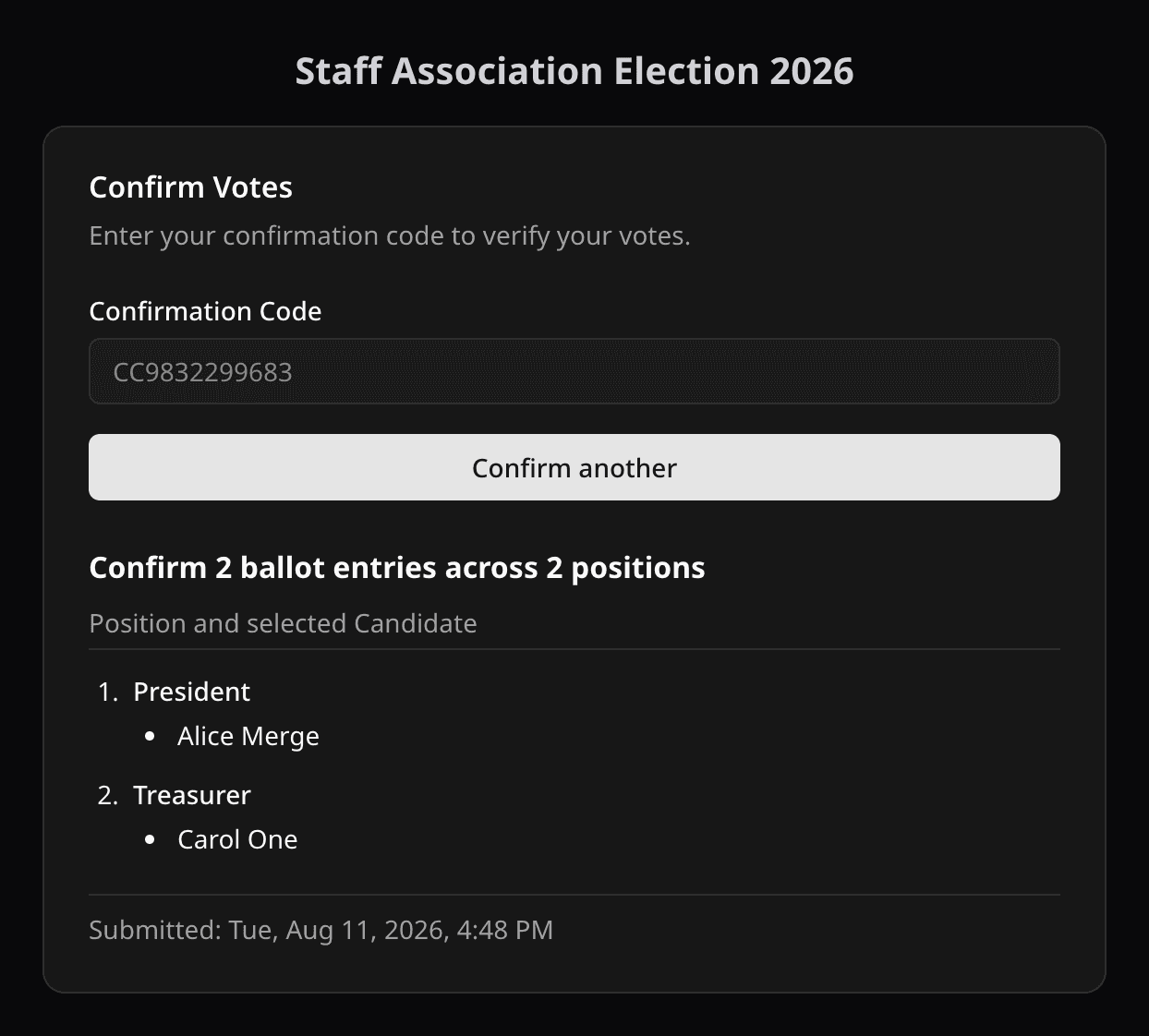
To check your vote, open the event's Confirm Votes page, enter the event code and your confirmation code, and Pepvote shows the positions and candidates it recorded and when. It does not show results, and it cannot change your vote. The CC prefix is optional.
Code not found?
- Check both codes for typos.
- Make sure the code came from this event, not a different one.
- Lost the code? Ask the organizer. Event officials can search the Votes table.
Related help
Was this helpful?
Last updated November 2, 2026