Voter keys and voting emails
How election voters get their voter key by email, and what to do when it does not arrive.
In an election, you vote with a voter key. You request it on the voting page, it arrives by email, and you enter it to open the ballot. You do not need a Pepvote account.
Get your key
- Open the voting link from the organizer.
- Enter your registered email, or your Voter ID if the event uses one. The key goes to your registered email either way.
- Open the Your Voter Key email and enter the key.
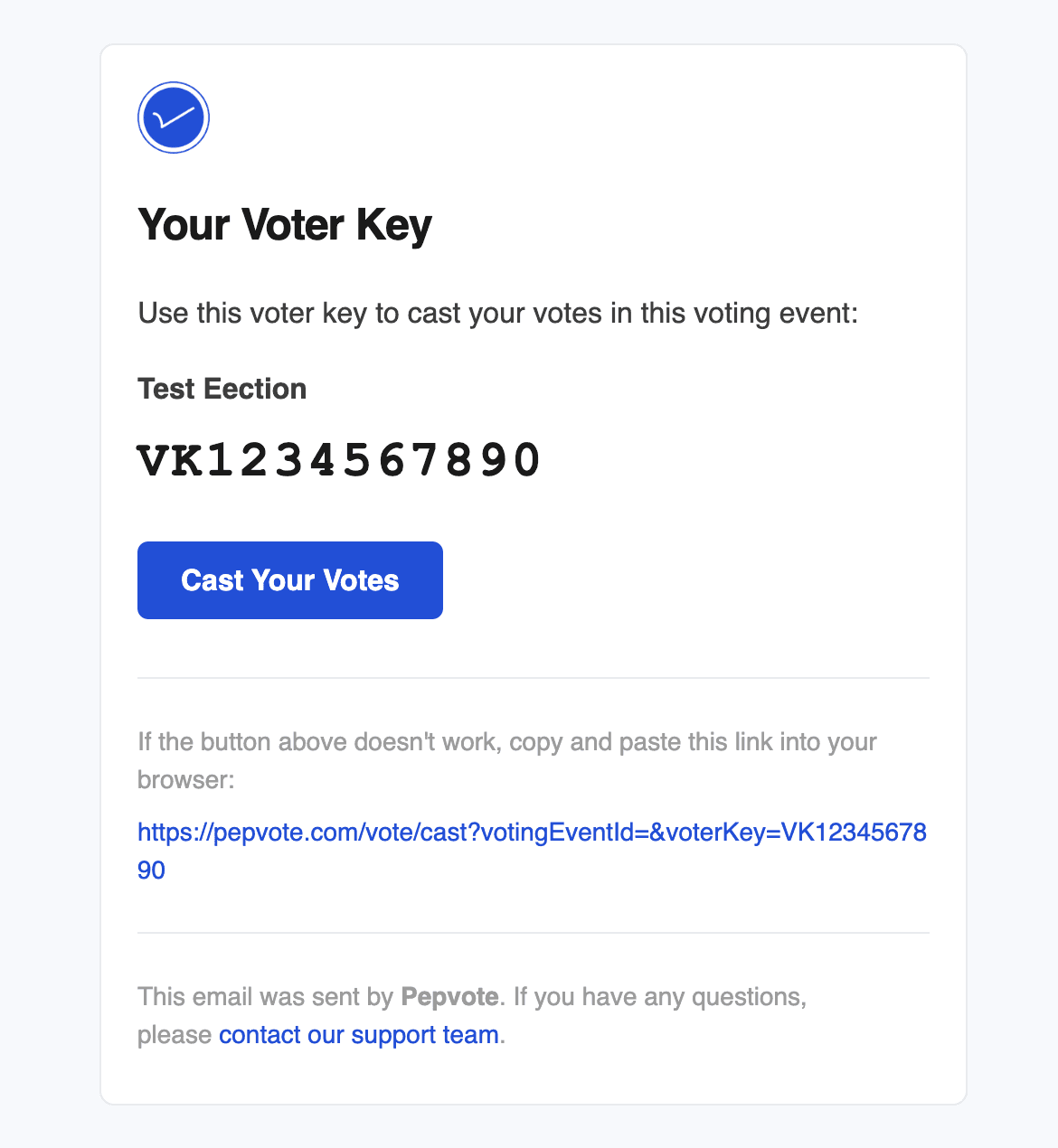
Each request makes a new key and cancels the old one, so use the newest email. Keys work as long as voting is open and you have not voted yet. You can request a key up to 5 times a minute.
You may also get a Voting has started email with a direct link when the event opens. You still need your key.
No key email?
- Check spam, junk, and promotions.
- Make sure you entered the email or Voter ID you are registered under for this event. Not sure which? Ask the organizer.
- Wait a minute and request once more.
- Still nothing? Ask the organizer to check your voter record.
For organizers
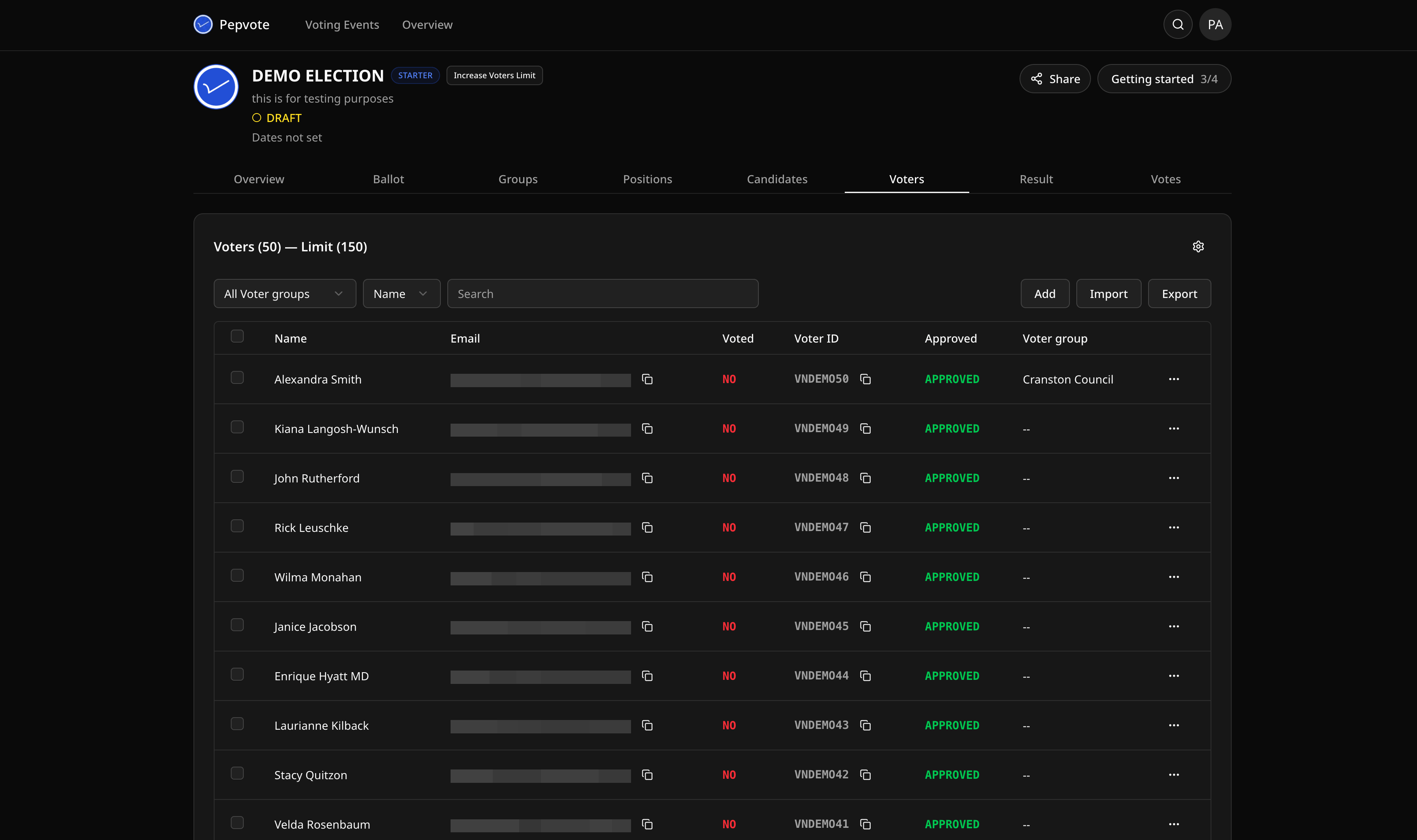
A voter only gets a key if all of these are true: the event is an election and is Ongoing, the voter is in this event, approved, has not voted, and has an email address on their record. Also check Send Emails To in Voting Event Settings. If it is set, every key goes to that test address instead.
Polls do not use voter keys.
Related help
Last updated October 3, 2026